Transformation
Drawings to Life
Drawings to Life on Zorvel turns a flat drawing or sketch into a short AI video effect. See the before/after example and the three-step way to try it.
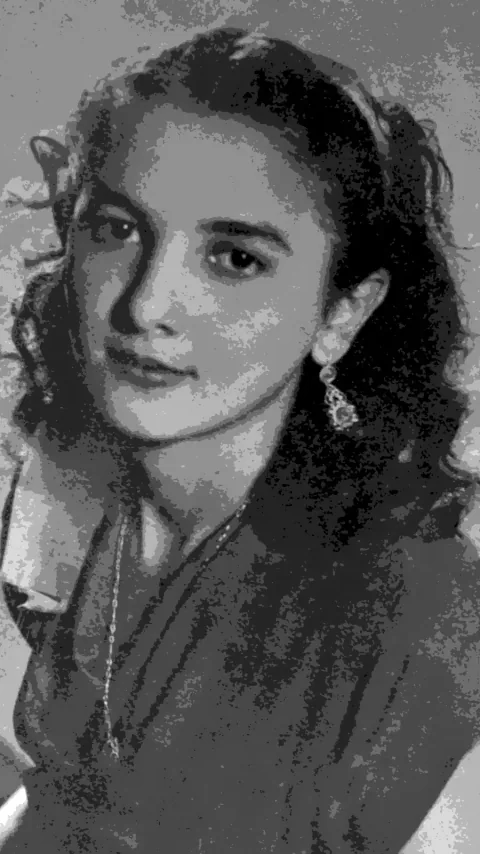
Try this Zorvel effect- Before
- Drawing JPG/PNG · Up to 10 MB
- After
- 9:16 static concept illustration
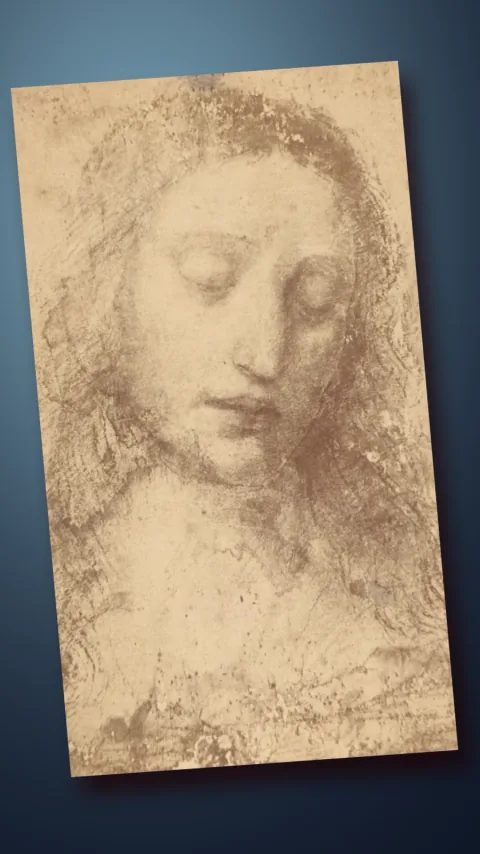
Local sharp derivative, not a model output. Generation is not open.
What your drawing needs
Keep one drawing fully in frame, with space around the edges.
- One drawing with a single subject
- JPG/PNG · Up to 10 MB
Generation is not open yet
This page displays a static concept pair only. It does not accept uploads or generate results.
Browse the Zorvel effects libraryBefore / after
Concept illustration of the Drawings to Life direction. Input drawing on the left.
How to bring a drawing to life in three steps
Pick a drawing
Choose a clear line drawing or flat illustration — one subject works best.
Frame it
Keep the whole drawing in frame and check the input example first.
Preview the result
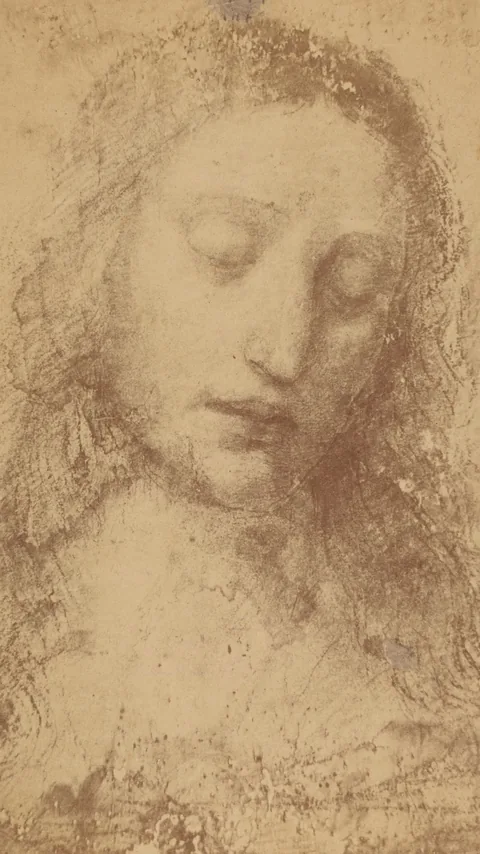
Compare the static concept illustration with the original drawing shown here.
These steps describe a concept preview. No upload or generation is available here.
Example gallery
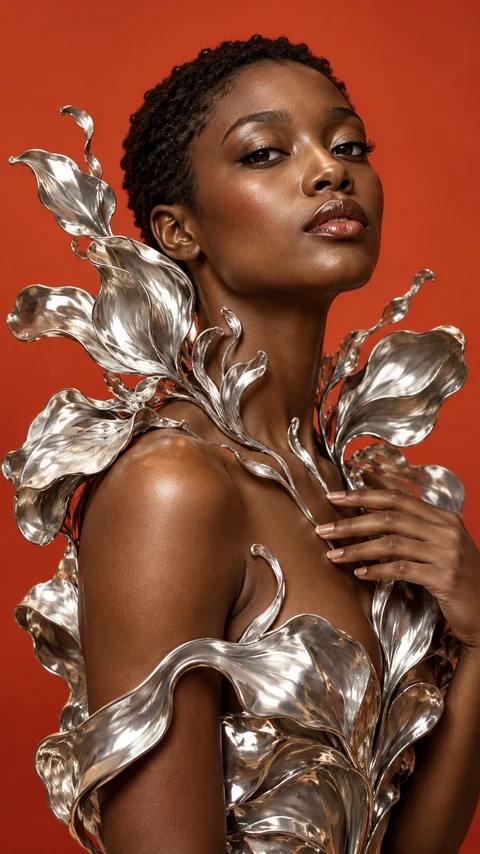
One original and one approved local derivative; the same pair is repeated for closer comparison.
Transformation

Transformation
Drawings to LifeDrawing · Concept
Open the Zorvel concept preview