Motion
Gravity Drift: a levitation effect for full-body photos
Make the person in a full-body photo lift off the ground and float weightlessly, with generated ambient sound.
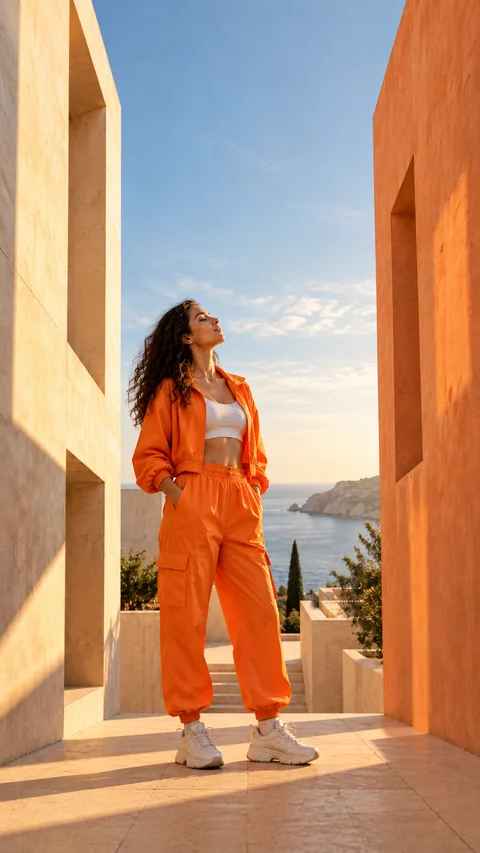
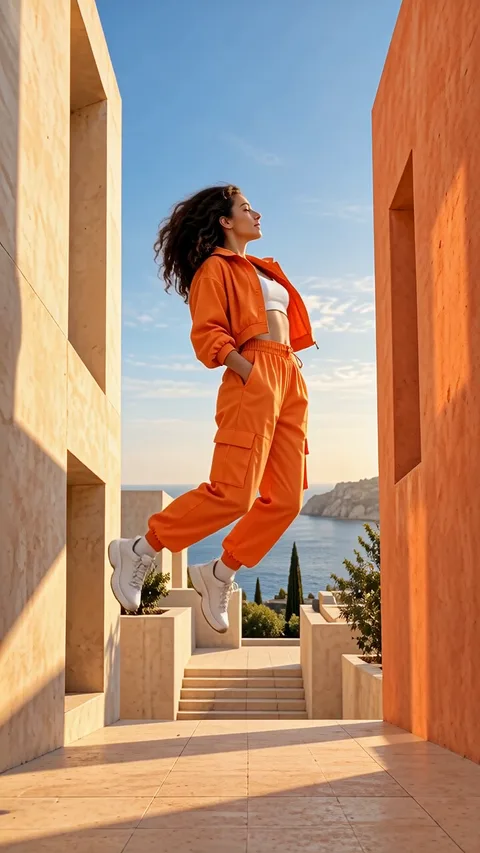
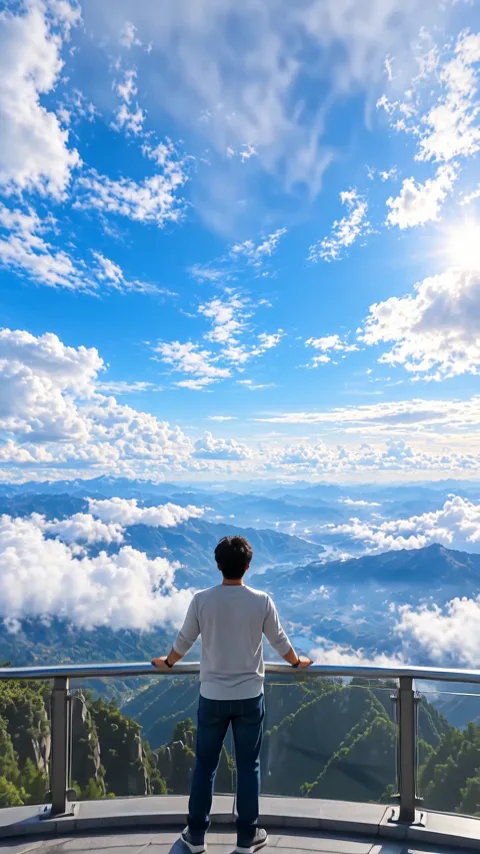
Sample generated from the photo on the left.
Loading effects
Photo tips for Gravity Drift
Use a full-body photo with room above and below the subject.
How to use Gravity Drift
Choose a full-body moment
Pick a photo where the whole body is visible at a natural, everyday moment.
Leave vertical room
Keep empty space above and below the subject so the drift has distance to travel.
Generate and download
Choose your photo, review the credit cost, and generate after signing in. Review the finished result before downloading or sharing it.
Generation runs per request for signed-in accounts and is charged in credits; a run the provider confirms as failed is refunded automatically.
Gravity Drift: ideas, results and limitations
Gravity Drift makes a five-second AI video in which the person appears to float or move weightlessly. Choose it for a full-body movement idea where the change in the subject matters more than a large camera orbit.
What the levitation effect does
Starting from a full-body photo, the effect asks the model for the person to lift gently off the ground and float weightlessly, with hair and clothes drifting slowly as if in zero gravity. The background is meant to stay the same, the motion is calm and smooth, and the same person and outfit are requested with no added text or logos. It is a generated levitation illusion, not a recording of a real stunt, so check the feet, hands and ground line in the full clip.
Gravity Drift at a glance
Upload one JPEG or PNG of up to 10 MB. One run returns one 5-second video with model-generated sound (the preview on this page is muted) and currently costs 140 credits; the page shows that cost again before you generate.
Compare all Zorvel AI video effects and photo filters to see how Gravity Drift differs from the others. Credits for a run come from Zorvel credit packs and plans.
Where this effect fits
Keep the whole person visible and leave room above and below them. A clear separation between the body and the background helps you judge the generated movement. Shoes, hands and the outline of clothing are worth checking before upload because cropped parts leave less information for the model.
Understanding the generated sample
The sample is a real result generated from the paired source photo. Watch the body movement throughout the clip rather than comparing only a still frame. The current generation includes model-generated sound, but the on-page preview is a silent copy.
What can vary in your result
Floating motion is invented from one image. The model can change balance, body proportions or the relationship between the person and the ground. It is a fictional visual effect, not a demonstration of a real physical action or a precise movement simulation.
Gravity Drift: common questions
Why should the whole body be visible?
The effect needs to interpret how the person moves through the scene. A full-body image with surrounding space provides more context than a crop that removes the hands, feet or head.
Does Gravity Drift include sound?
Yes. The current generation configuration includes model-generated sound. The preview on this page is silent, so it does not show what your generated video will sound like.
Will the movement match a specific pose sequence?
The page uses one photo and a fixed effect. It does not offer a pose-sequence editor, and the generated motion can vary between runs.
Perspective
Perspective