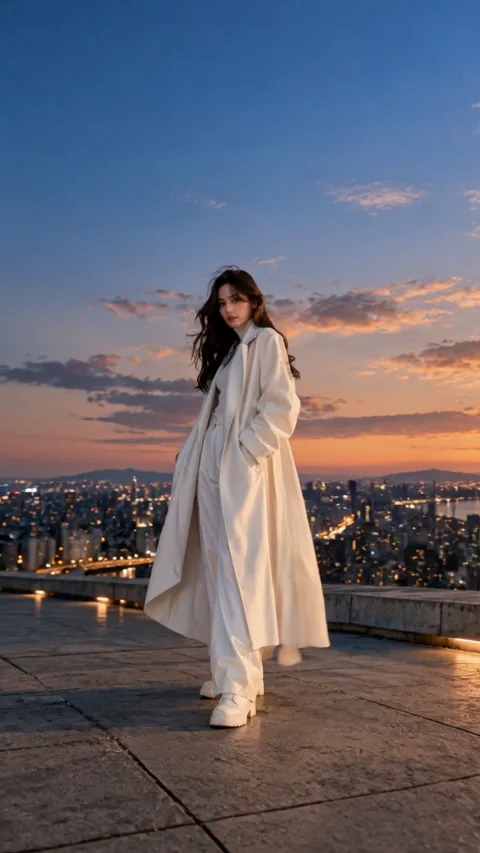
Perspective
Cloud Dive: a cloud transition effect from one photo
Rise from the scene in your photo and glide through clouds into open sky in a 5-second clip.
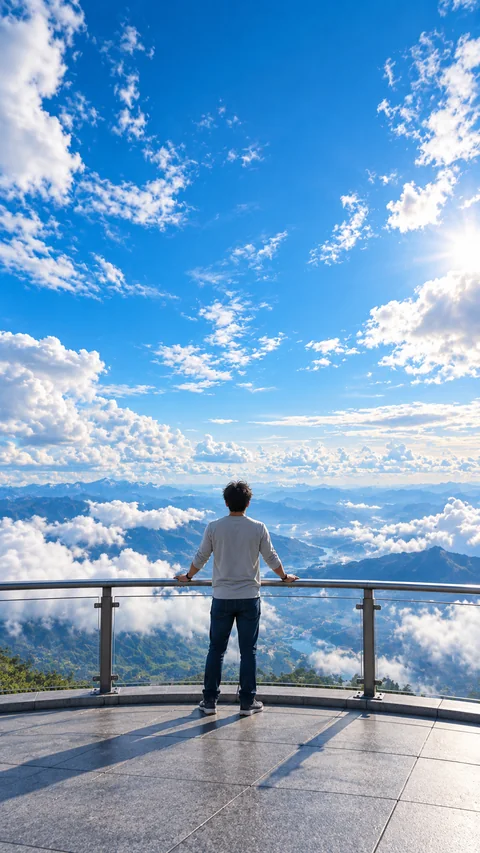
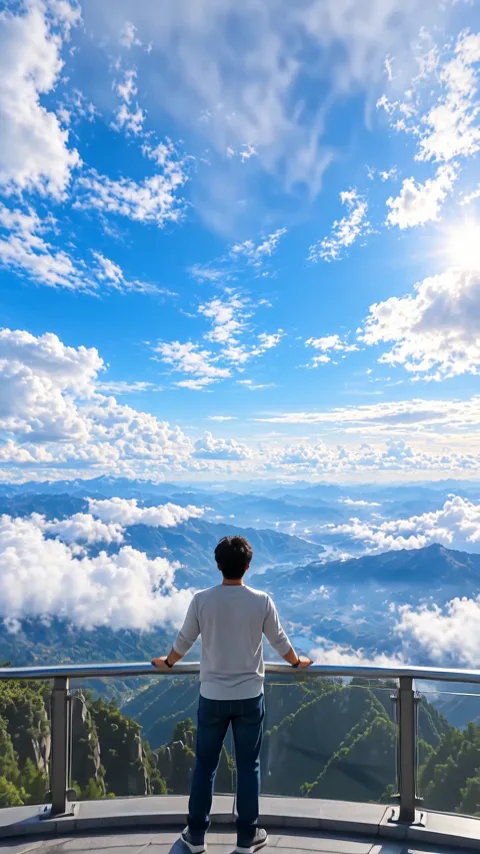
Sample generated from the photo on the left.
Loading effects
Photo tips for Cloud Dive
Keep the person and the open scene in frame, with clear sky around them.
How to use Cloud Dive
Choose an open scene
Pick a photo with open sky or open space around the person.
Keep the horizon useful
Leave the sky unobstructed so the dive has a direction to follow.
Generate and download
Choose your photo, review the credit cost, and generate after signing in. Review the finished result before downloading or sharing it.
Generation runs per request for signed-in accounts and is charged in credits; a run the provider confirms as failed is refunded automatically.
Cloud Dive: ideas, results and limitations
Cloud Dive creates a five-second AI video that lifts the viewpoint toward a soft, open-sky scene. It suits a photo where the subject and the surrounding environment can support a transition into clouds.
How the cloud transition effect works
The effect asks the model to start from your photo, raise the camera above the scene and glide down through soft white clouds into a bright, open sky around the same person and outfit, with smooth aerial movement and no added text or logos. The whole transition happens inside one generated five-second clip. It is not an editing transition for joining two of your own videos, and it does not need a second photo: the clouds and sky are generated.
Cloud Dive at a glance
Upload one JPEG or PNG of up to 10 MB. One run returns one 5-second video without sound and currently costs 124 credits; the page shows that cost again before you generate.
Compare all Zorvel AI video effects and photo filters to see how Cloud Dive differs from the others. Credits for a run come from Zorvel credit packs and plans.
Where this effect fits
Keep the person and enough of the open scene visible. Leave space around the subject and include clear sky when it is part of the source composition. Busy indoor backgrounds and tight crops make the intended upward movement harder to assess.
Understanding the generated sample
The output beside the source image is a real generation. Watch how the viewpoint leaves the original setting and how the clouds develop over the clip. The example is one interpretation of that input rather than a template that places every photo into an identical sky.
What can vary in your result
Clouds and scenery outside the source photo are newly generated. Fine background details and the person can change during the transition. The clip is a creative scene, not weather imagery or a faithful record of a place.
Cloud Dive: common questions
Does Cloud Dive need an outdoor photograph?
A photo with an open setting and visible sky is the intended starting point. It gives the transition more relevant visual context than a tightly framed indoor portrait.
Is Cloud Dive different from Orbit Pullback?
Cloud Dive emphasizes moving upward into a cloud-filled scene. Orbit Pullback emphasizes moving around a person and revealing a wider setting. Compare the two samples before choosing.
Will the video show the actual sky above the location?
No. New sky and clouds are generated from the visual direction of the effect. They should not be interpreted as a record of the location or its weather.

Transformation
Motion