LOCAL PHOTO TOOL · FREE
Symmetry Mask Photo Effect
One side becomes the whole portrait.
Choose a side and mirror it across a vertical line. This still-photo effect does not detect faces or track motion.
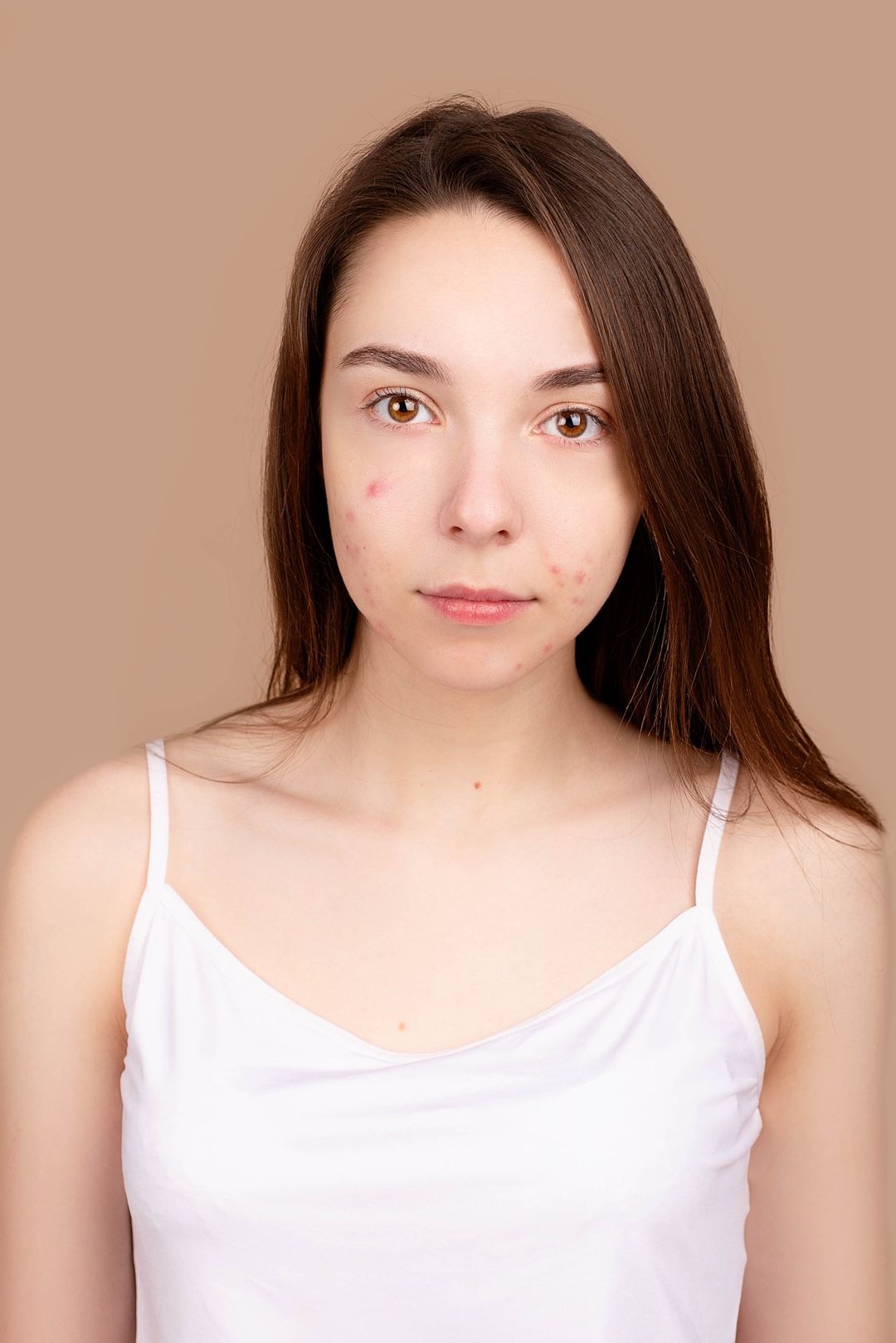
Rendered here from the same original photo. No AI-generated sample.
Example photo: Hanna Pad / Pexels. No model endorsement implied. Photo source · Photo license
Your chosen photo stays in this browser. No upload, no account, no credits.
Moving the center line can crop the sides. Export long edge: up to 2400 px.
- 01
Choose a photo
Try the example or select a photo you have permission to edit.
- 02
Choose a side
Move the vertical line and mirror either the left or the right side.
- 03
Save your result
Download the preview as a PNG from your browser.
How Symmetry Mask works
The editor copies one side of the photo and mirrors it across the vertical line. Moving the line can crop the sides so the result has no empty margins. The effect edits still photos, not video.
Try a straight-on portrait and move the line to the center of the nose. Switch sides to compare the two results.
Frequently asked questions
Is the center line placed automatically?
No. Move the line yourself. For a face looking into the camera, start near the bridge of the nose and see whether the center of the lips lines up in the preview. You can place the line off-center intentionally if you want to mirror a different detail.
How do left and right versions differ?
Each version duplicates a different side of the same photo, so the versions may differ in lighting, hair or expression. Toggle between them before downloading. Neither version shows a more accurate version of the person or measures how symmetrical the original face is.
Why does part of the photo disappear?
When a side is mirrored, it replaces the opposite side. Moving the center line can leave less room at the outer edges, so the result may crop part of the photo. Keep some space around your subject if you want to preserve more of the framing.
Can I use a non-portrait photo?
Yes. Try a doorway, a building facade or a simple object with strong vertical lines. Choose the side with the details you want to keep, then move the line to see how the composition changes. The PNG is made from the same result shown in the preview.